Replace Excel with a custom system before the spreadsheet runs you
The short answer: it is time to replace Excel when several people edit the same sheet, when data is typed in twice, or when only one person understands the formulas. A first system covering your most important flow fits a fixed package from DKK 18,000 plus DKK 600 a month.
- 18.000 kr
- First system with 1 integration
- 40+
- Integrations, incl. e-conomic and Dinero
- 30
- Days’ notice – you own code and data
Excel is a brilliant tool for working out how a process should run. It is a poor tool for running it once the business grows. The good news is that your spreadsheet is often the best requirements document you have: the columns are your data model, the colour codes are your workflow and the cell comments are your business rules. That is an excellent starting point for a system.
When is it time to move from Excel to a system?
- Several people edit the same file, and there is a "final_v7_REAL.xlsx" somewhere
- Data is typed into Excel and then again into e-conomic or Dinero
- One person is the only one who dares touch the formulas
- Customers or colleagues get extracts by email instead of looking things up
- Mistakes surface only when an invoice has gone out with the wrong amount
- You cannot see who changed what, or when
If three or more sound familiar, the spreadsheet is already costing you more than you think. It just doesn’t show up on a line called "software" – it shows up as overtime, corrected invoices and the day the key person is on holiday.
What should you build first?
Not the whole spreadsheet. Find the sheet that is opened most often, or the flow where mistakes cost the most, and build that first. The rest can stay in Excel for a while yet. It keeps the first version small and the price low, and your team gets used to one new tool at a time rather than having their whole working day turned upside down.
- Map which sheets are used for what, and by whom
- Pick the one flow with the most errors or the most hours
- Build it as a system with login, roles and history
- Connect it to your accounting system so data is entered in one place
- Move the next sheets across once the first one is bedded in
How is data moved from Excel into a new system?
Clean-up
We go through the sheets with you and find duplicates, empty fields and columns that mean two different things.
Data model
Columns become proper fields with types and rules, so a date is always a date.
Import
Data is imported into a test environment where you check that everything came across correctly.
Parallel running
You run both side by side for a short period until you trust the numbers.
Switch-over
The Excel file is archived, and the system becomes the only place the data lives.
Can the system talk to e-conomic and Dinero?
Yes, and that is often where the biggest gain lies. When the system sends customers, invoices and entries straight to e-conomic or Dinero, double entry disappears entirely. We have pre-built integrations for both, as well as for Billy and DataLøn. Read more about Dinero integration, and see how we approach automation of the tasks that repeat every week.
With Excel
- One file passed around
- Formula errors caught late
- Invoices retyped into e-conomic
- No history of changes
- Access via email and shared folders
With your own system
- One system everyone works in at once
- Rules stop errors at entry
- Invoices sent automatically
- A log of who, what and when
- Login and roles
What about the people who love Excel?
There is almost always one person, maybe two, who built the spreadsheet and knows it better than anyone. They are not an obstacle – they are the most important resource on the project. We involve them from the first meeting, because they know why column F is yellow and which exceptions were never written down. When the system is built on their knowledge, they usually become the ones who champion it to everyone else. And they keep their analysis: with an export they can still work in Excel, just on data that is correct.
Custom system or off-the-shelf software?
If there is an off-the-shelf system that fits almost all of your workflow, consider it seriously. The trouble starts when the standard system forces you to change exactly what makes you good. We have written a full guide on custom software vs off-the-shelf if you want to weigh the choice properly.
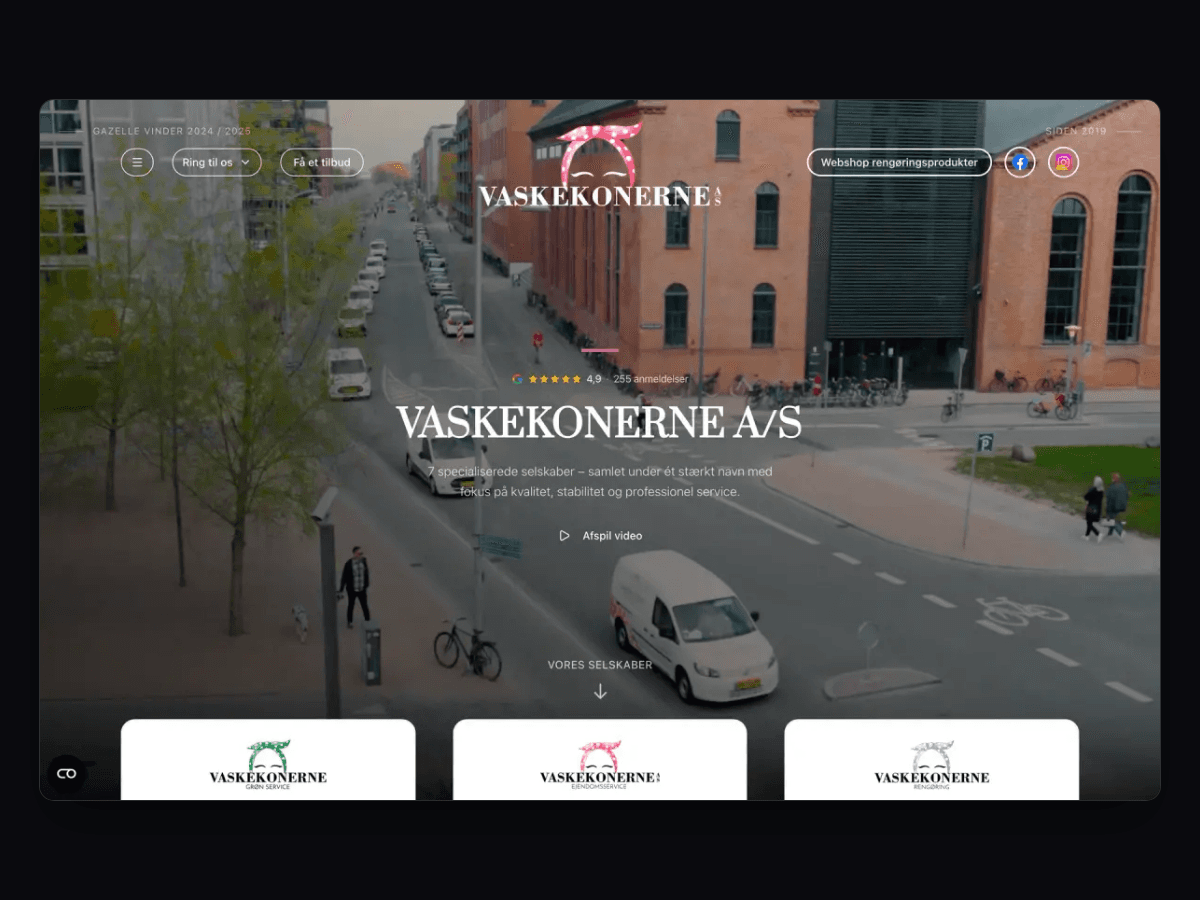
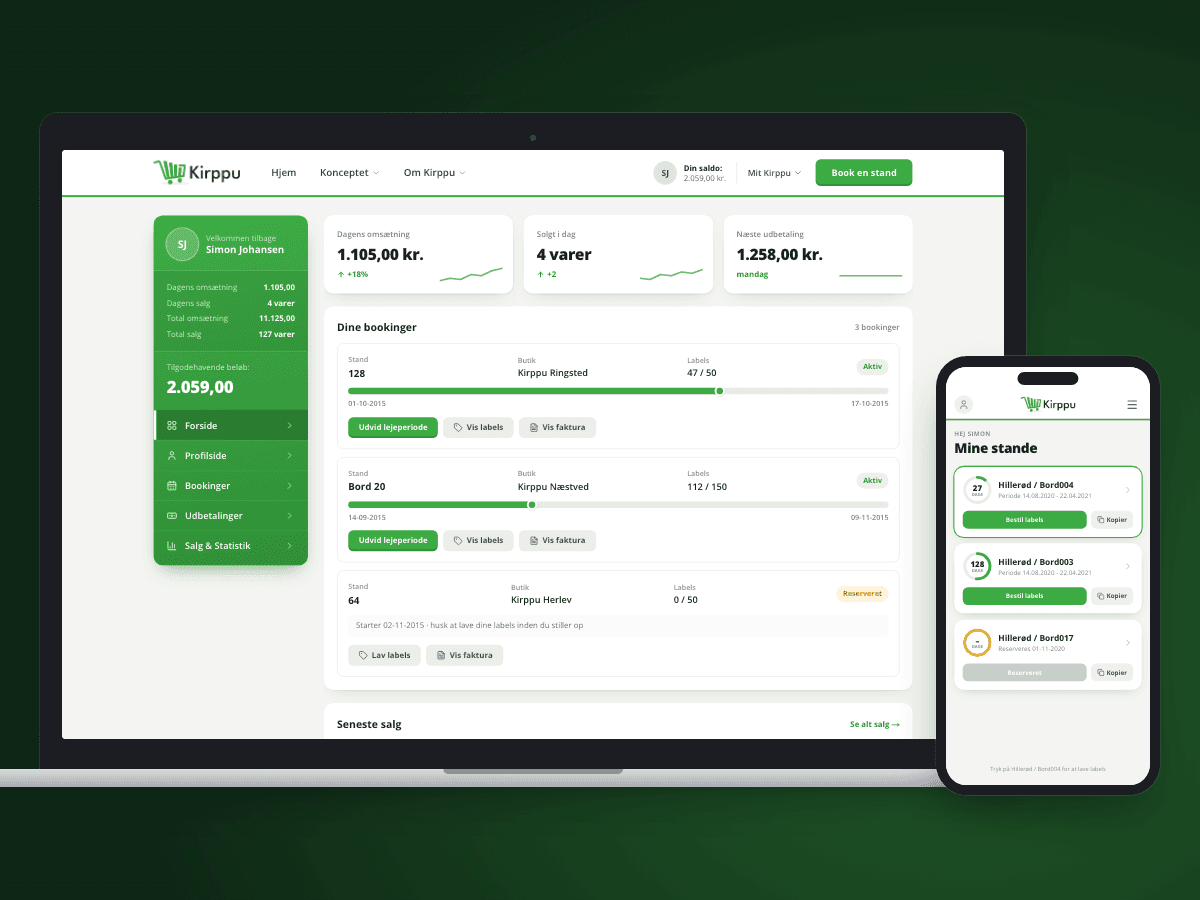
For Vaskekonerne the result was eight solutions in one circuit – website, booking and operations – instead of a collection of loose tools. At Kirppu the platform grew from one store to more than 30, something no spreadsheet could have carried.
How much does it cost to replace Excel?
A typical first system – one flow, login and one integration with your accounting system – fits Small: DKK 18,000 plus DKK 600 a month with 12 features. If you need two or three integrations, it is Medium at DKK 36,000 plus DKK 900 a month, or Large at DKK 54,000 plus DKK 1,200 a month. For comparison, simple internal web apps typically cost DKK 30,000–250,000 in the Danish market. Read more about web app development, or see pricing.
What our clients say
We have worked with Ceptiv on several of our digital offerings, and they have become a natural part of the team. They move fast, turning ideas into new designs and clickable prototypes quickly, so we can test with customers early instead of debating on paper.
FAQ
Questions about replacing Excel
When should you replace Excel with a system?
How much does it cost to move from Excel to a system?
Will we lose data when we move away from Excel?
Can the system send invoices to e-conomic or Dinero?
Can we still export to Excel?
Do we have to replace every spreadsheet at once?
Tell us what you need built
You get a written fixed-price proposal within 24 hours. No sales calls required.
