Design system agency: one shared language for design and code
The short answer: a design system is a single library of colours, typography, components and rules that designers and developers both build from. We create it in Figma and in React, document it and set up a process for who may change what. The price is fixed in a written proposal within 24 hours.
- 2.0
- Design system delivered for WorkPoint
- 4
- Layers: tokens, components, patterns, docs
- 24
- Hours to a fixed price in writing
Sound familiar? Three different blue buttons. A date written four different ways. The new module does not look like the rest of the product because the team could not find the right components. Every new screen means designer and developer starting almost from scratch. A design system fixes that by making the right choices the easy ones. It is not a style guide in a PDF but a living library used every day in UX/UI design and in the code.
What does a design system consist of?
Four layers. Each builds on the one before.
| Layer | What it is | Example |
|---|---|---|
| Design tokens | The smallest decisions stored as named values | Primary colour, spacing, font sizes, corner radius |
| Components | Reusable building blocks in Figma and React | Button, input, table, dialog, navigation |
| Patterns | Standard answers to recurring tasks | Filtering, form validation, empty states |
| Documentation | When and how each part is used, with code samples | Guidelines for copy, accessibility and tone |
Tokens are the layer most often overlooked, and the most important. When a colour or a spacing value is defined in one place and used everywhere, you can switch themes, support dark mode or adapt a white-label product for a new customer without touching every screen. Tokens are also the bridge to your brand: the identity is translated into values the code can read.
Components are also where accessibility gets solved once and for all. When the button, the dialog and the form field have correct contrast, focus and screen-reader support built in, every new screen inherits it automatically. That is far cheaper than fixing the same issues screen by screen, and it makes it easier to document that the whole product meets the requirements.
When does a product need a design system?
Time for a design system
- Several products or modules that must look alike
- Several teams or suppliers designing and coding
- A SaaS product that grows with new features every quarter
- Accessibility requirements across the whole product
A component library is enough
- One website or one small web app
- One small team working side by side
- The product is still finding its shape
- A few screens that rarely change
All our solutions are built on a shared set of components, so even a small web app gets consistency from day one. A full design system with documentation and governance makes sense when several people will build on the same product over several years, typically in SaaS development and larger platforms.
From Figma to code: how we build it
Inventory
We gather every existing screen and find duplicates, inconsistencies and gaps.
Tokens and foundations
Colours, typography, spacing and icons are defined and named.
Components
Each component is built in Figma and React with every state and accessibility in place.
Documentation and handover
Guidelines, code samples and a process for contributions and versions.
Governance: who owns the design system?
A design system without an owner decays. Six months in, teams have made their own variants and the library is out of step with the product. So we agree from the start who approves new components, how changes are versioned and how teams propose additions. It sounds bureaucratic, but in practice it is a short process and a steady rhythm that keeps the system in use.
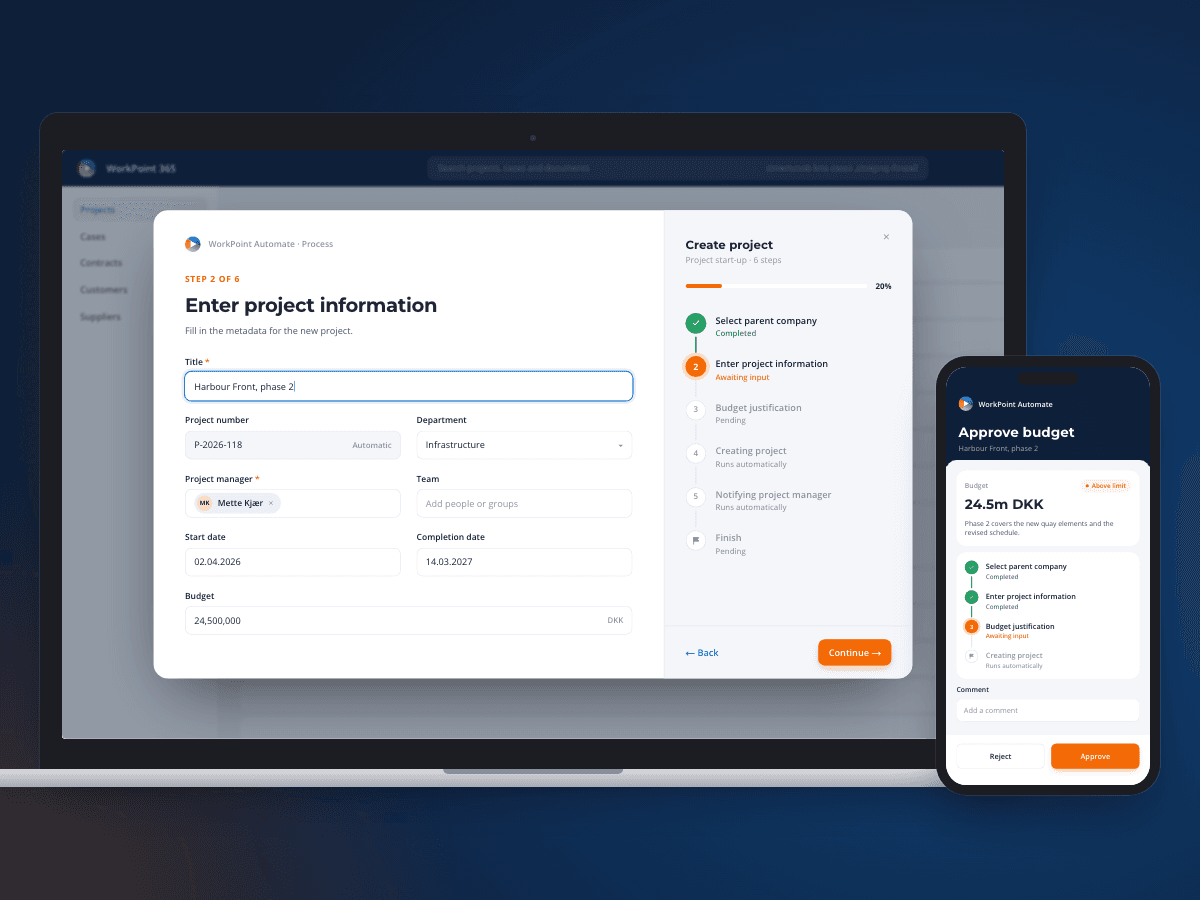
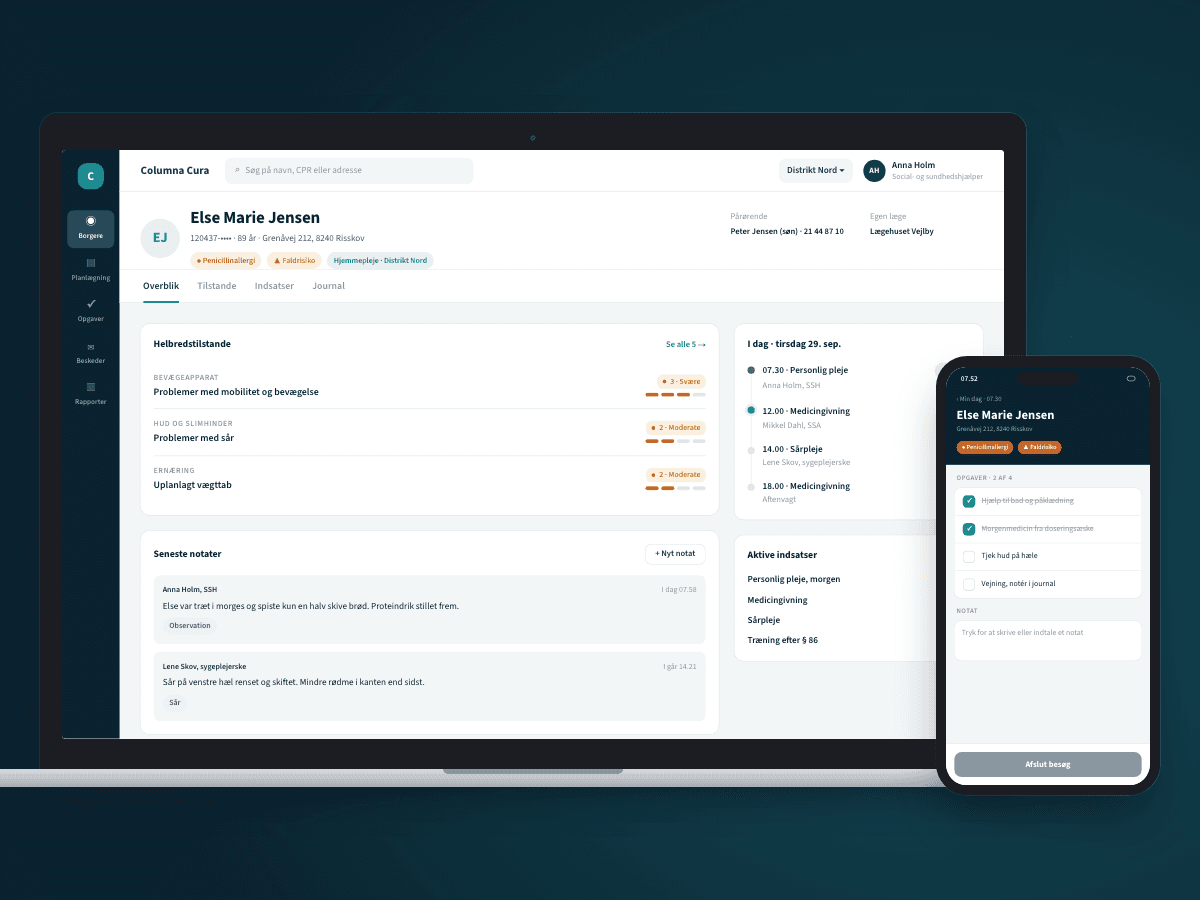
At WorkPoint, in a two-year collaboration, we created Design System 2.0 for WorkPoint Core, Automate and Express 365, with a designer embedded in the product teams. That closeness is often what decides whether a design system lives. For Systematic we did on-site UI design for Columna Cura, the care record for Danish municipalities, where consistency and clarity matter to people who use the system all day.
How much does a design system cost?
Scope varies a lot: a foundation of tokens and core components for one product is very different from a system for a whole product family with several teams. So we write the price as a fixed amount in the proposal within 24 hours, once we have seen your product. Many start with a UX audit that shows where the inconsistency costs most, and build the design system from there. Send us a link and we will take a look.
What our clients say
We have worked with Ceptiv on several of our digital offerings, and they have become a natural part of the team. They move fast, turning ideas into new designs and clickable prototypes quickly, so we can test with customers early instead of debating on paper.
FAQ
FAQ: design systems
What is the difference between a design system and a style guide?
What are design tokens?
Do you build components in code or only in Figma?
What does a design system cost?
Can you build a design system for an existing product?
How do we make sure the design system gets used?
Tell us what you need built
You get a written fixed-price proposal within 24 hours. No sales calls required.
