Legacy system modernisation, one function at a time
The short answer: a legacy system is rarely best modernised by switching it off and switching a new one on. For most businesses a phased replacement works better: the new system takes over one function at a time while the old one keeps running until data and users have moved.
- 24 t
- Written fixed price per phase
- 40+
- Pre-built integrations
- 2016
- Building software since
Plenty of businesses run on a system that was built many years ago. It still works, but nobody dares touch it. The original developer has left, the server runs a version that no longer gets security updates, and every new hire has to learn a list of shortcuts and workarounds. This page is about moving on without a big-bang cutover that stops operations for a week, and without paying to rebuild the same system with the same flaws.
When is it time to replace a legacy system?
- Small changes take weeks because nobody knows the code and everyone is afraid to break something
- The system runs on software or servers that no longer receive security updates
- Staff keep data in spreadsheets on the side because the system cannot do what they need
- It cannot talk to your newer tools, such as accounting, CRM or payments
- Only one person knows how it works, and that person is retiring or has already left
Rebuild, refactor or wrap it with an API?
There are four basic routes. The choice depends less on the technology and more on how healthy the data model is, and how much of the business logic still fits the way you work today. A system with good data and bad screens needs very different treatment from one where the structure itself is wrong.
The four routes out of a legacy system, and when each makes sense.
| Approach | Fits when | Risk |
|---|---|---|
| Refactor | The code is messy but the technology is still maintained | Low, but you end up with the same system, only tidier |
| Wrap with an API | The core works but must talk to new apps and integrations | Low to medium, the old core still has to be run |
| Phased replacement | The system has to go, but the business cannot stop | Medium, needs discipline on order and data |
| Full rebuild at once | The system is small, or the data model is fundamentally wrong | High, everything must work on cutover day |
How the phased strangler approach works
Developers often call it the strangler pattern, named after a fig that grows around a tree until the tree can be removed. The new system is built next to the old one and takes over one bounded function at a time. Users experience a series of small switches instead of one large cutover day.
Map it
We go through screens, data and integrations and find the functions that hurt the most.
Layer in front
An API or a sync gives the new system access to the old data.
First module
The most valuable function is rebuilt and used by a small group first.
Move more
Module by module, users and data move while the old system shrinks.
Switch off
When nothing is written to the old system any more, it is archived and shut down.
Data migration: moving the data is not the hard part
Copying tables from one database to another is quick. What takes time is working out what the data actually means: fields named one thing and used for another, duplicate customers, statuses nobody can explain any more, and free-text fields holding half the business. That is why we always start with a trial migration on a copy of real data, long before any switch.
- Decide what comes across and what only needs archiving
- Clean up duplicates and dead statuses before the migration, not after
- Run the migration several times as a script so it can be repeated on switch day
- Let key users check samples: do they recognise their own customers and orders?
Can the old and new system run in parallel?
Yes, and it is often the safest way. For a period the new module writes data while the old system can still read it, or the other way round. It needs a clear rule on which system is the source of truth for each type of data, so nobody edits the same order in two places. Parallel running must have an end date. Otherwise you end up maintaining two systems instead of one.
Risks when replacing a legacy system
| Risk | What happens | How we manage it |
|---|---|---|
| Hidden business logic | The old system did something nobody knew about | User interviews and a review of real data before design |
| Poor data quality | Errors are carried into the new system | Trial migration and clean-up before switching |
| Scope creep | Every wish gets added to the replacement | Fixed price per phase, new wishes priced separately |
| User resistance | People stay in the old system | Small switches, key users first and a shutdown date |
How much does legacy modernisation cost?
It depends on how many modules need moving and how messy the data is. We do not have a list price for modernisation. You get a written fixed price per phase within 24 hours once we have seen the system. As a reference point, a bounded first module can be measured against our web app packages, which start at EUR 2,500 + EUR 85/month with 12 features and one integration. If you are unsure whether you need custom software at all, read custom software vs off-the-shelf first.
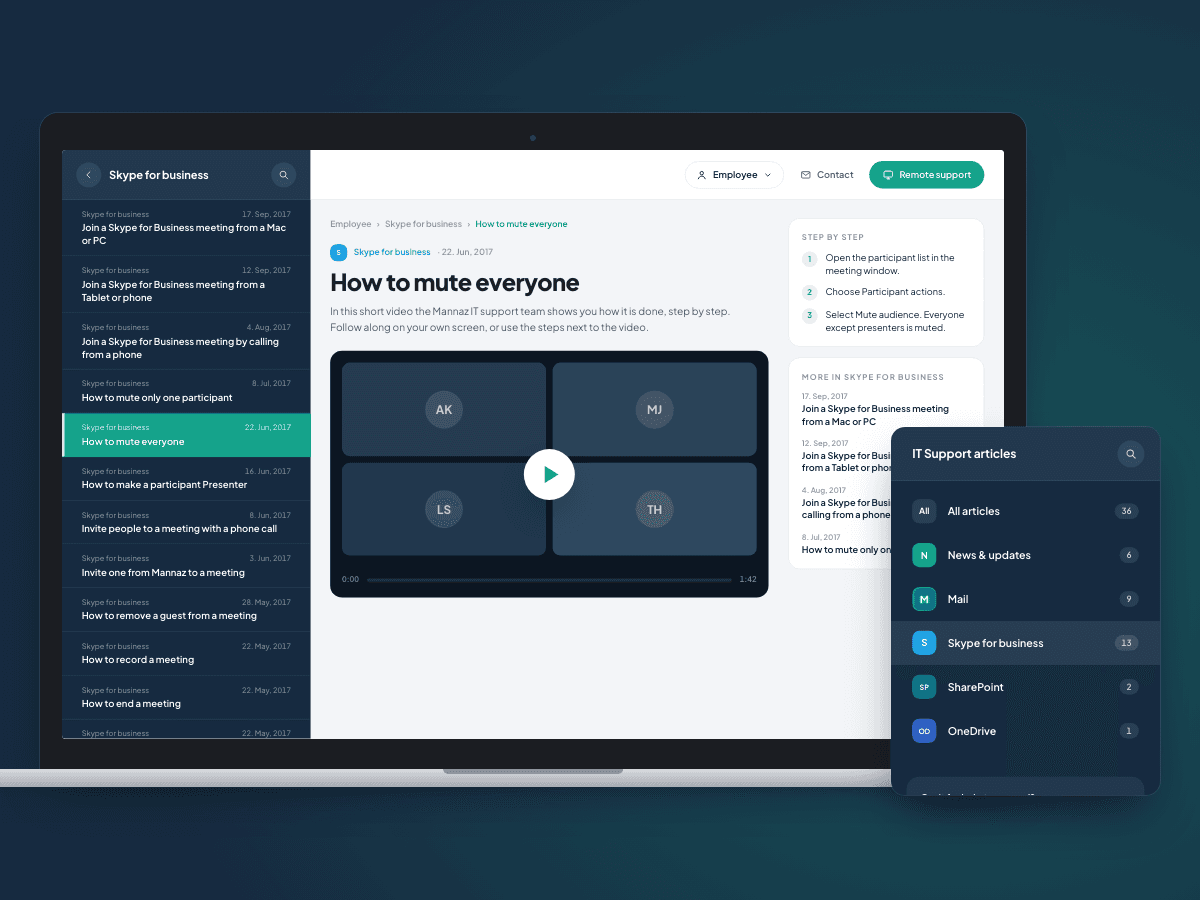
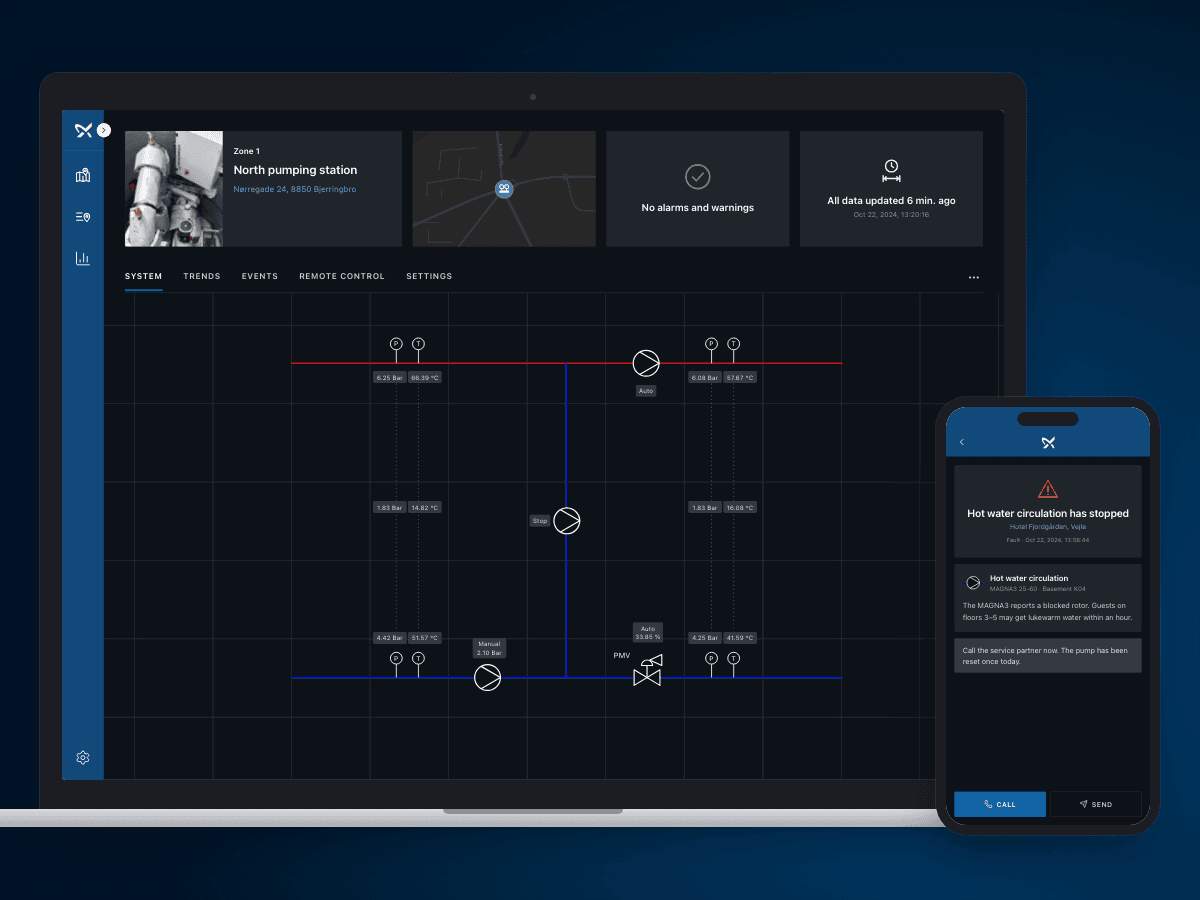
We have built portals that bring together data and workflows from several sources, including the IT support portal for Mannaz and customer portals for Grundfos iGRID. The new code is React, Next.js and TypeScript, and you own both code and data. Read more about how we build web apps.
Selected work
Built by us, in production today
What our clients say
We have worked with Ceptiv on several of our digital offerings, and they have become a natural part of the team. They move fast, turning ideas into new designs and clickable prototypes quickly, so we can test with customers early instead of debating on paper.
FAQ
FAQ: legacy system modernisation
Should we rebuild from scratch or upgrade the old system?
What is the strangler pattern?
Will we lose data in a migration?
How long does a modernisation take?
Can the new system talk to our other tools?
Who owns the code after the modernisation?
Tell us what you need built
You get a written fixed-price proposal within 24 hours. No sales calls required.
